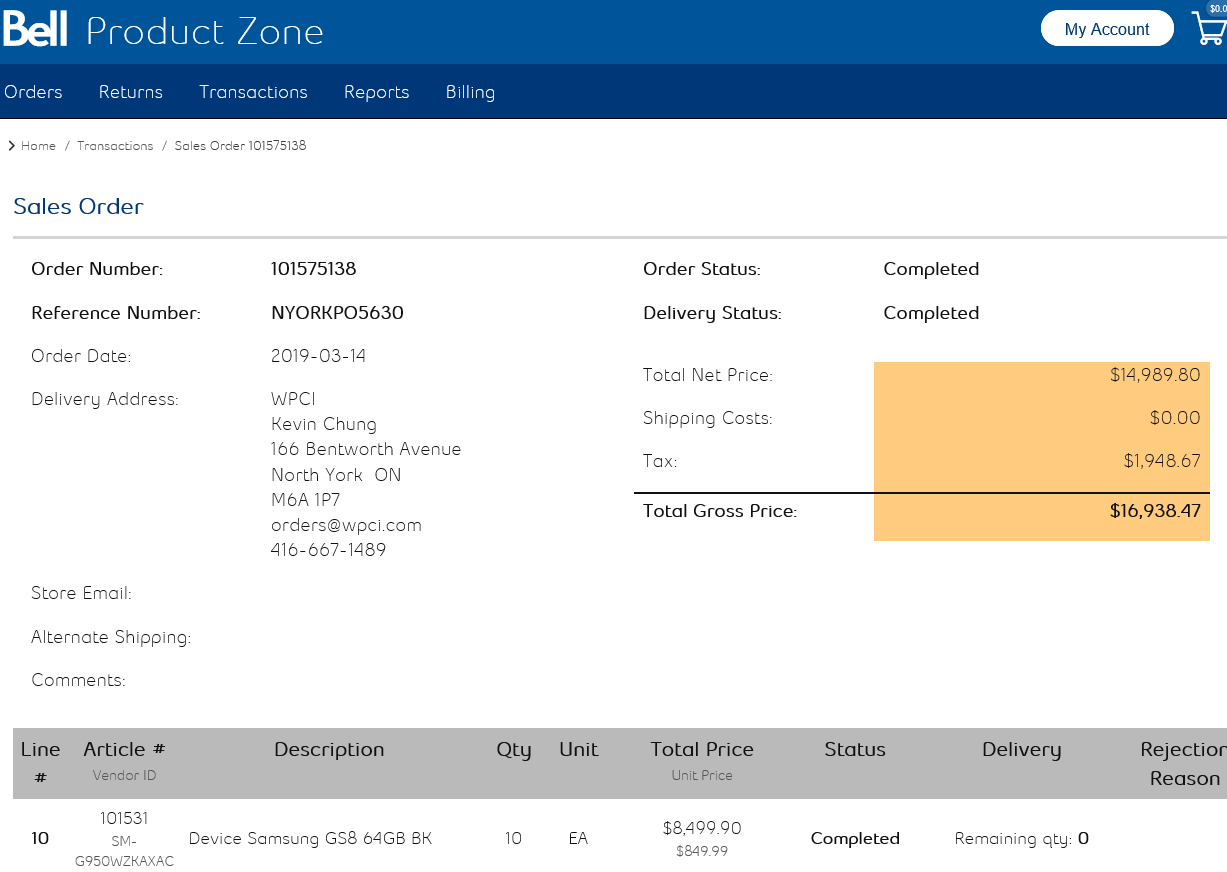
To print the Sales Order sheet, login to Product Zone using the credentials provided.
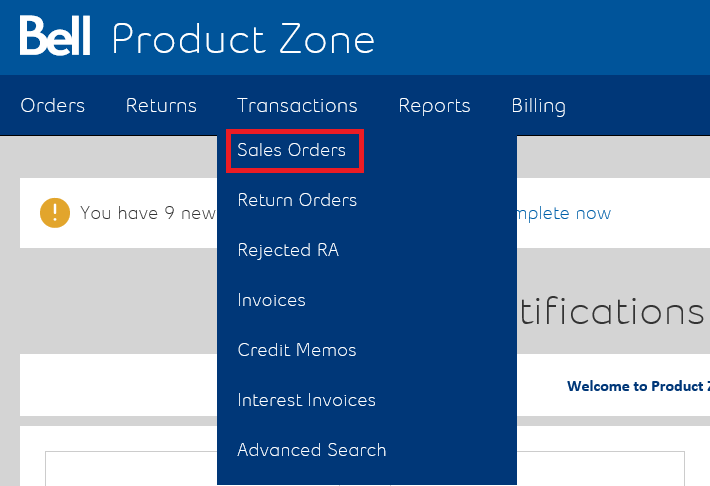
Once logged in, click on Transactions and select ‘Sales Orders’.
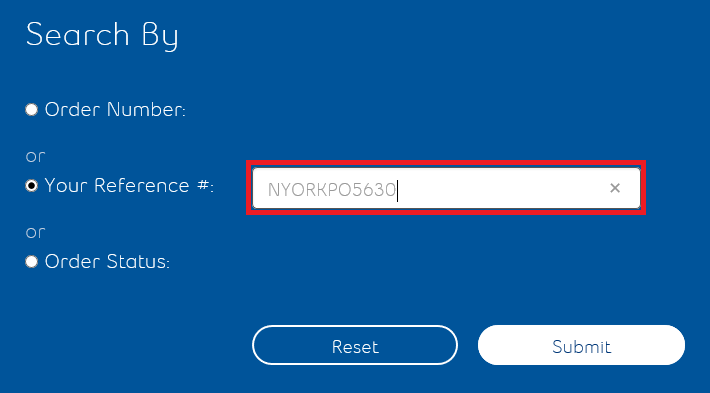
From the sales order page you will be presented with three options to search with: Order Number, Your Reference# and Order Status. Select ‘Your Reference’. Enter our RQ4 purchase order number in the field and then click on ‘Submit’ to search.
Once the search has been completed, click on the Order Number to open up the sales order.

Once the Sales order is open scroll down to the bottom and hit ‘Print’.