
To order Purolator supplies you need to visit http://www.purolator.com. Purolator supplies are ordered directly from the Purolator website and not from the e-ship site used for shipping.
Once on the Purolator page, click on Login located on the top right hand corner of the site.

Enter the credentials provided to login.
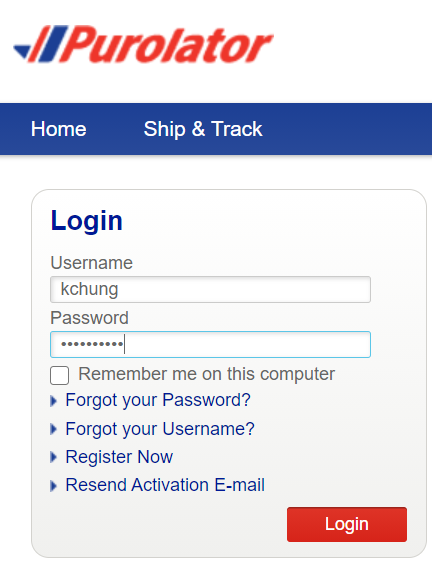
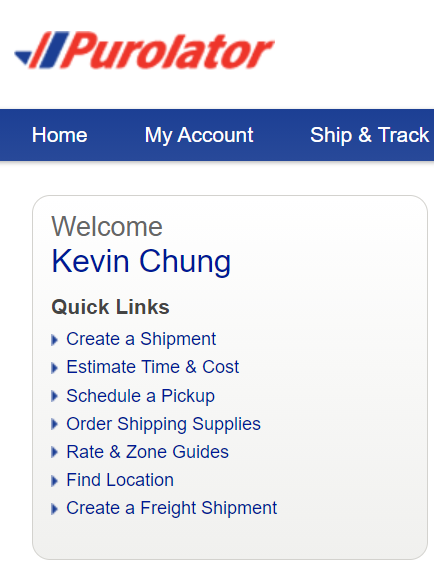
Once you’re logged in. Click on ‘Order Shipping Supplies’ located on the navigation bar on the left hand side.
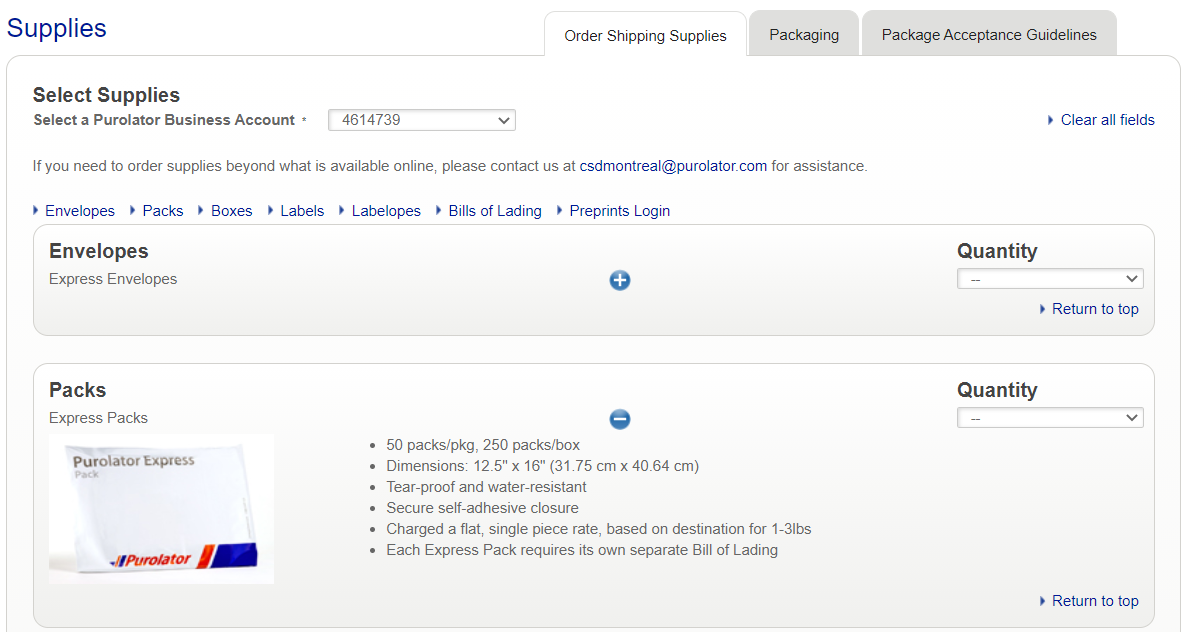
You will then be taken into the supplies page. Here you will find all the Purolator supplies required for shipping. Click the + button to show the description and image of the product if you require. Once ready from the drop down menu under quantity, select the quantity you wish to order. Once you’re satisfied with the order scroll to the bottom of the page and select ‘Submit’
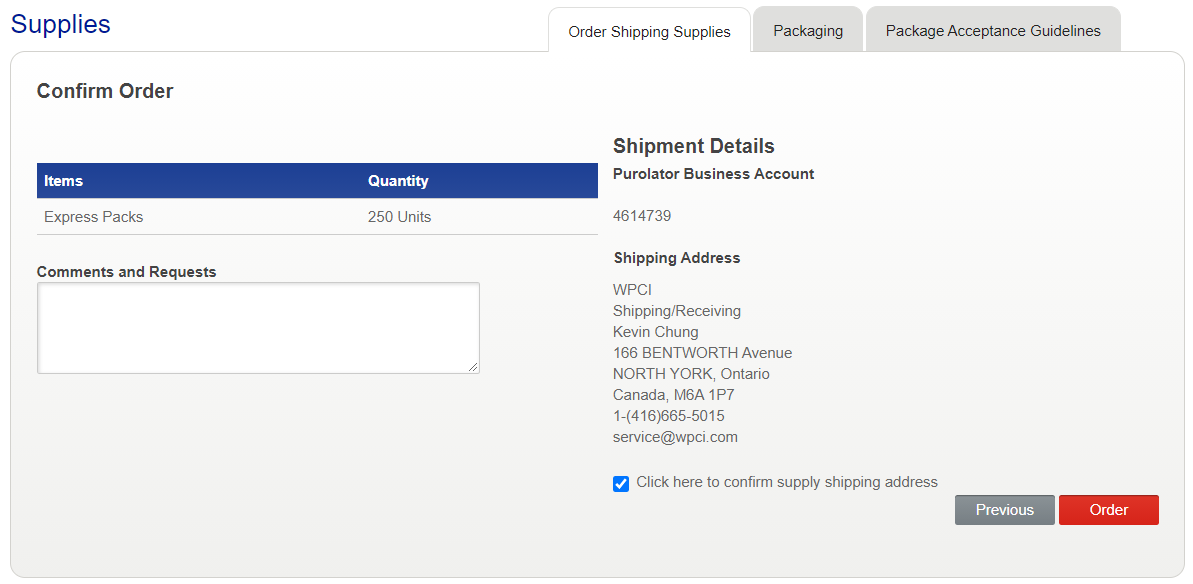
In the Confirm Order page, verify that all the details are correct. You will also need to select the check box that says “Click here to confirm supply shipping address”. Click on ‘Order’ to finalize the details.
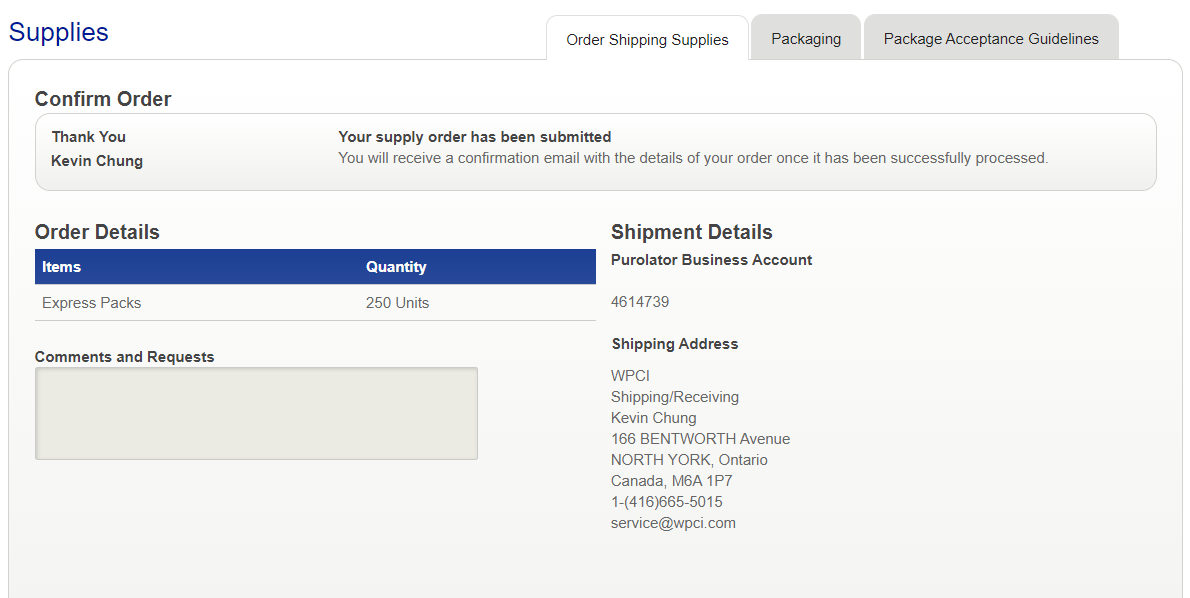
You are then presented with the order confirmation page.
Ordering Thermal Printer Rolls
The only item that cannot be ordered on the portal are the thermal printer rolls. For this you will need to contact the below number and request to order the product label identified below.
Contact Purolator at 1-888-744-7123
Product Label: E-DT ESS LABEL