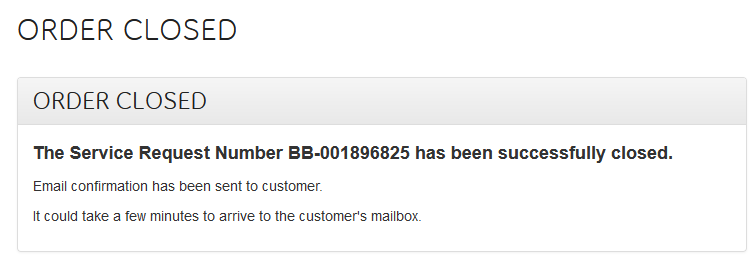
After reception has been completed in Device Hub, you will need to close the repair ticket completely with SBE.
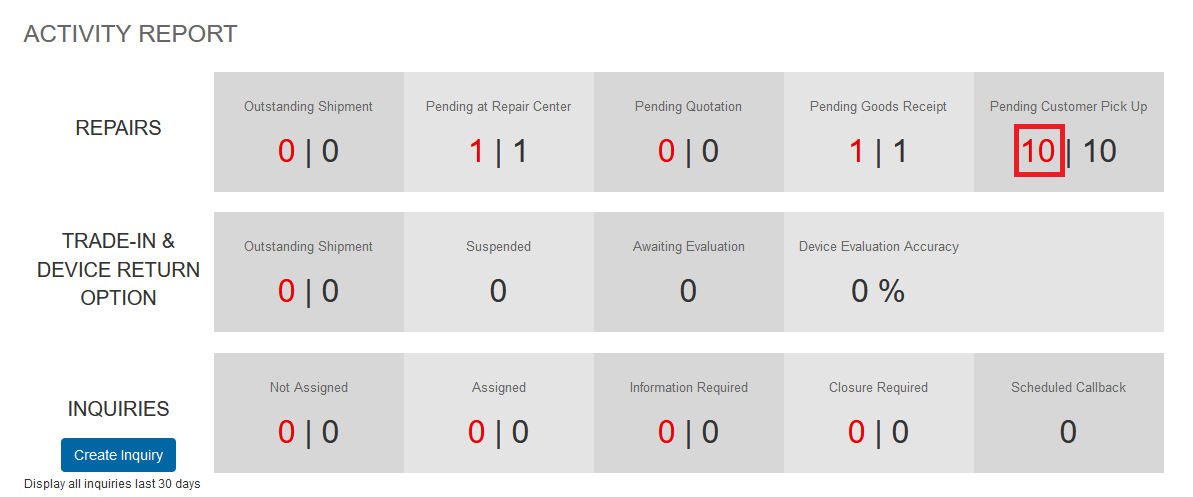
From the Dashboard click on the number under ‘Pending Customer Pick Up’.
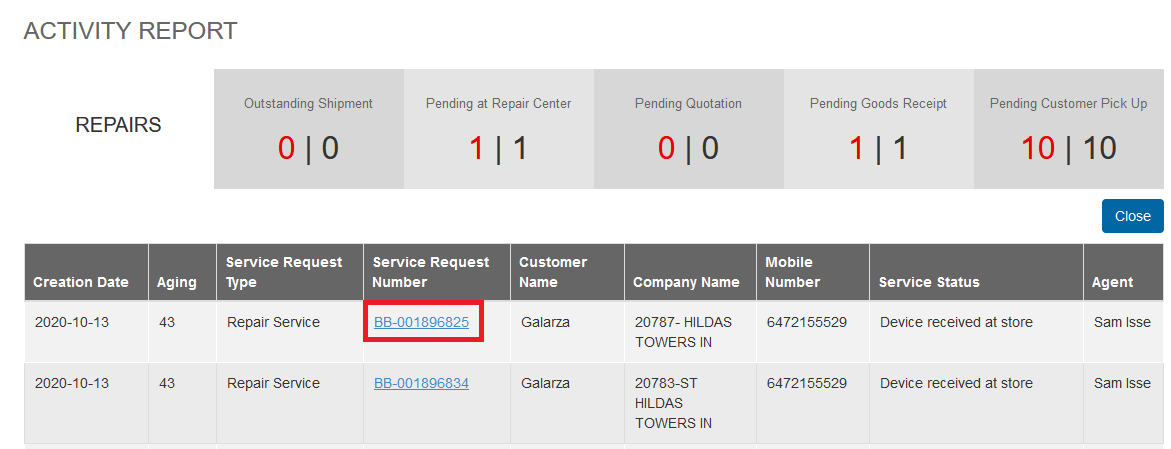
On the next screen locate the repair ticket you want to close by clicking on the BB ticket number.
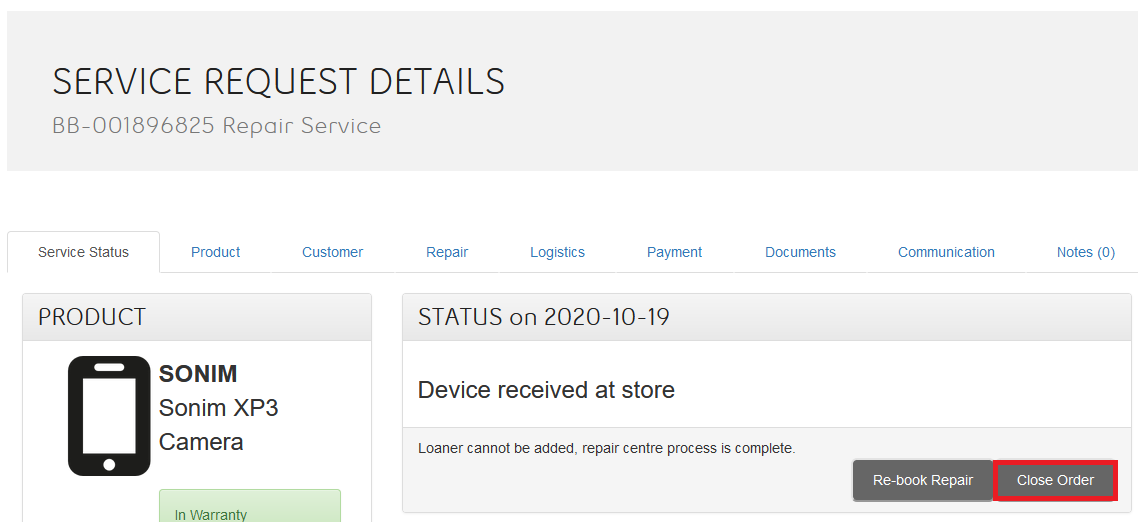
From the Service Request Details page click on ‘Close Order’.
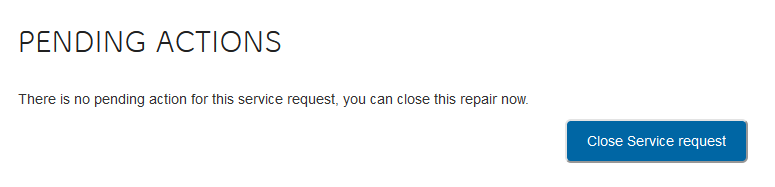
From the next screen click on ‘Close Service request’.
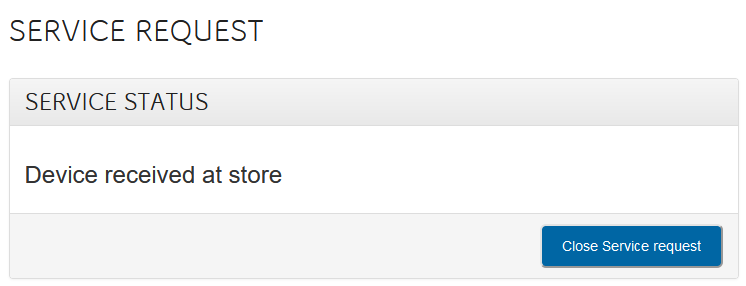
And finally on the last screen click on ‘Close Service request’ again.
Once this has been completed you will be taken to the order has been closed confirmation screen.